

Install & Activate Plugin (on the site you want to translate from)
Before you begin, make sure you are installing the Translate and Transfer plugin on the main site—the site you want to translate from.
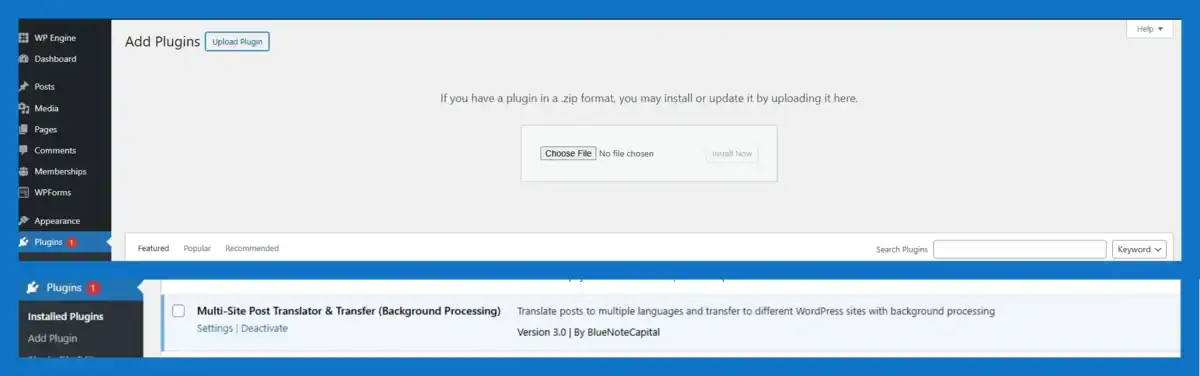
Installing the Translate and Transfer plugin is quick and simple. Begin by uploading the plugin directly from your WordPress dashboard. It takes just minutes and requires only a few clicks to get your plugin up and running.
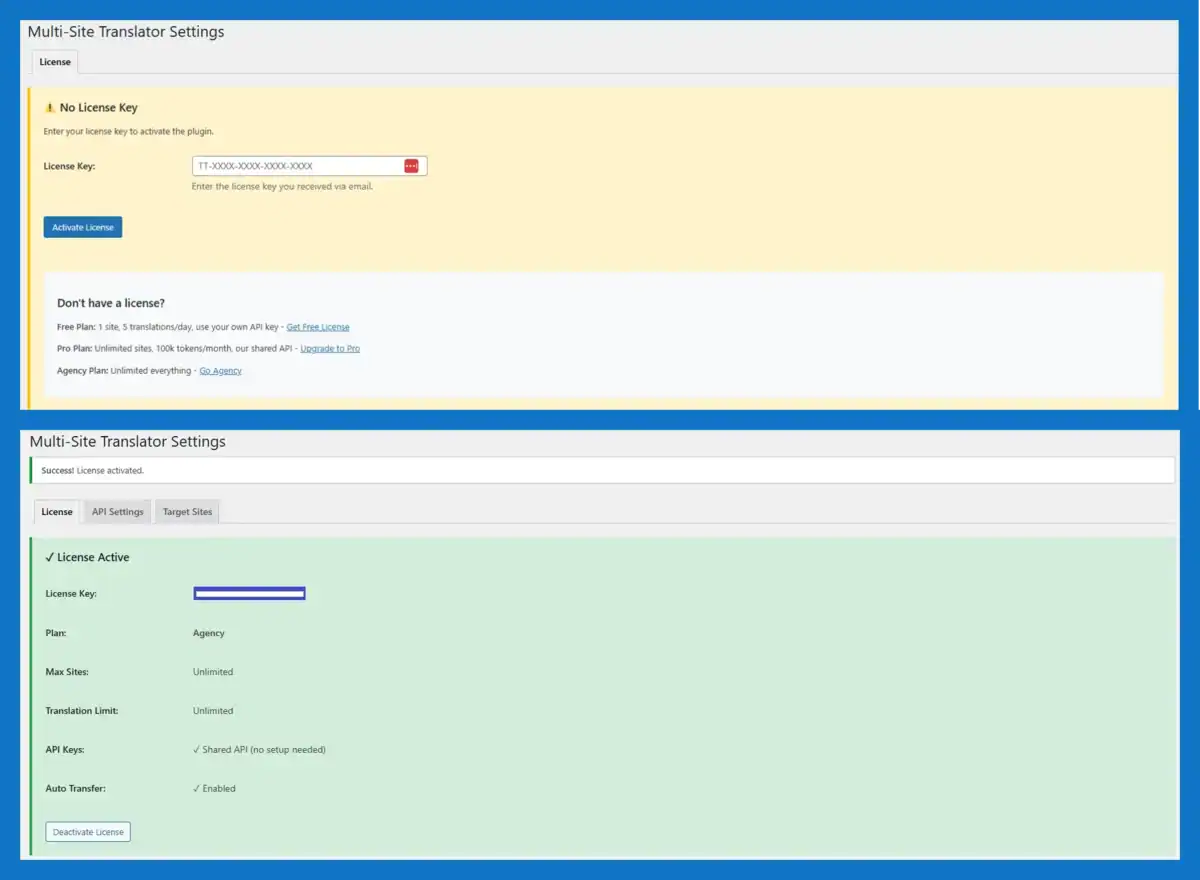
Once you activate the plugin, you’ll see a new ‘Translate and transfer’ menu item in your WordPress admin under Settings. This is where you’ll configure your license, add your API keys, and set up the WordPress sites you want to translate to.
- Upload the Plugin – Go to Plugins → Add New → Upload the ZIP file
- Activate the Plugin – Click “Activate Plugin” and it’s live
- Access Settings – Go to Settings → Translate and Transfer
Ready to get started? If you’ve already purchased, download the plugin from your account. If you’re new, explore our pricing plans.
Download plugin View Pricing